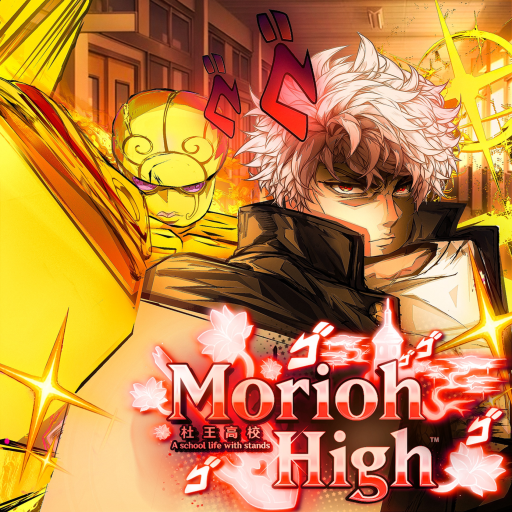
Morioh High Discord: Community and Developer Links
Open the Morioh High Discord and developer Roblox community, recognize the correct destinations, and prepare a clear gameplay question before asking for help.
The Morioh High Discord is available at discord.com/invite/moriohhigh. Use that game-specific invite when you want the community linked with this experience, rather than a creator's personal server mentioned in a video.
Open the game-specific community
Check that the invite preview says Morioh High before joining. A video creator may advertise a separate personal Discord alongside the game link, so the destination name is more useful than assuming the first invite in a description belongs to the developer.
The release trailer offers a concise view of the game whose community you are joining. Its school-and-Stand identity helps distinguish this experience from unrelated JoJo servers.
Keep the official destinations straight
| Destination | Purpose |
|---|---|
| Morioh High Discord | Game-specific community conversation and shared information. |
| Not A Stand Game | The developer Roblox community. |
| Morioh High on Roblox | Launch the actual experience. |
The Not A Stand Game Roblox community identifies the game's developer group. The Roblox experience page is the place to launch the game. Neither destination is a substitute for an in-game social group.
Ask a question someone can answer
For a gameplay question, include the activity you were doing, the instruction you saw, and what happened after your action. A classroom problem and a Stand-roll question need different context. A short description of the visible result is more useful than saying that everything is broken.
For example, explain that a lesson has dismissed or that a menu differs from a walkthrough. Leave account passwords, login codes, and payment details out of the conversation. Those details do not help another player explain a school activity.
If the invite does not open
Return to the official experience and developer destinations above before following a replacement posted by a stranger. Invite availability can change, and the familiar game name alone does not prove who runs a server. Continue using the wiki's guides while you check the community destination; joining Discord is optional for reading the site or playing the Roblox experience.